Do you ever want to smash your EHR
Barti is the AI-powered EHR built for optometry. Take a swing, claim your offer, and see what switching actually looks like.

Onboarding
fees waived
What’s included
-
Setup configuration,
-
Staff training fees
-
Come off the invoice entirely.
No obligation. Just a better setup.
Four reasons practices are switching to Barti
It's not about a better feature here or a nicer screen there. It's about a fundamentally different architecture and what that unlocks for your practice.



really works.
You want to switch. Here is how we make it easy.
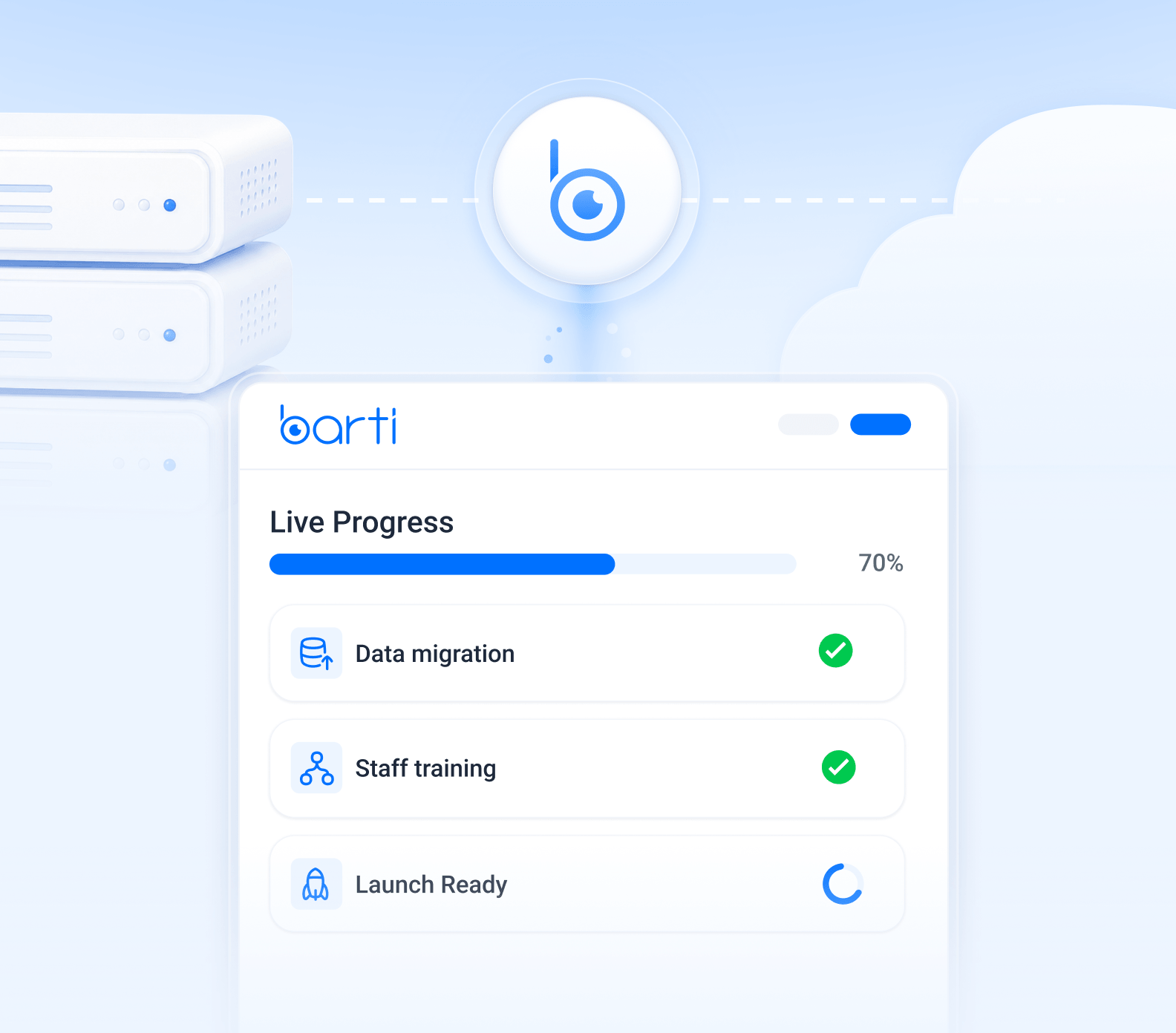
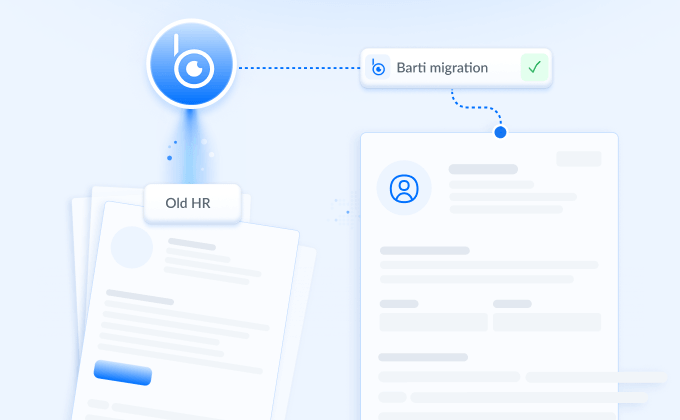
Your data is handled end to end, not through a self-service import tool.
Records land in real fields, like patient demographics, exam history, and billing, not scanned PDFs. Exactly which fields carry over depends on your current EHR.
OCT scans, fundus photos, and visual fields transfer too, added under each patient’s files in Barti. Exactly what transfers depends on your current system.
How long migration takes depends on your current EHR. We’ll map it out together on your kickoff call.
You see exactly how your data looks in Barti before anything is finalized.
Start new patients in Barti right away, and keep established patients in your old system until their records land.
Keep a running list of established patients seen during the window, and we’ll help merge those records after migration.
Keep using your current EHR through the window, then enter the interim data into Barti yourself.
Move to paper during the window, then scan those charts into Barti once migration is complete.
Most staff are navigating Barti confidently within days, not weeks.
Videos covering profile settings, scheduling, online booking, exams, billing, inventory, messaging, ePrescribe, optical orders, and claims.
A session with your implementation specialist to answer every question your team has.
A guided walkthrough during kickoff covering our suite of Quinn AI features, for Copilot practices.
Your team keeps using your current system while we build Barti alongside it.
Staff log into your Barti account and get comfortable with it before anyone depends on it for patient care.
Regular time with your implementation specialist to build familiarity and confirm readiness.
Your date is set once your team feels ready, not on a fixed deadline.
Multiple check-ins each week to answer questions until your team feels fully confident.
They support your switch from kickoff through go-live.
From your first question at kickoff through graduation, and even after.
Staff get comfortable in your Barti account before anyone depends on it for patient care.
Your date is set once your team is ready, not before.
Every month on the wrong system is another month of workarounds your staff has learned to live with.
We work around your schedule, whatever fits your practice, not the other way around.
The switch happens in the background while you keep seeing patients.
Making the switch stick
An EHR change management workbook. Five fillable pages that walk you through your contract dates, your team, your data rights, and every vendor you pay, before you talk to anyone.
Know your real deadline before it passes, not after
See what you're actually spending across every invoice
Get your team on board before you announce, not after
Walk into every vendor call with your own numbers
Two ways to get live
2 weeks
If you're migrating data, you go live first and convert your history second. Old records stay reachable in your previous system in the meantime.
Kickoff
4 hours
Configuration
2 hours
Staff training
2 hours
Go-live day and graduation
2 hours
9 weeks
Kickoff and configuration
- Barti access and first login
- Onboarding checklist, initial configuration, and integrations
- Regular review meetings, weekly, 15 to 30 minutes
- Graduation requirements reviewed
Staff training
- Go-live ready checklist completed by all staff
- Barti product training videos
- Virtual training sessions
Validation
- Sign off by key stakeholders
- Data migration validation process completed
- Data pulled into the production application

Go-live
- Starting to put actual patient information into Barti
- Using Barti for all exams
Hypercare
- Up to 30 days post go-live
- Continued access to the implementation team
- Scheduled calls
Graduation
- Checklist completed
- Feedback survey completed
- Communication moves to Barti Support
Marc McLendon moved Marx Optical to Barti.
A 36-year-old practice with four locations and seven doctors on why it consolidated, how the migration went, and what running on one system changed day to day.
Built for practices like yours

Solo practice
Run charting, billing, and scheduling from one login, built for how an optometry practice actually runs.

Multi-location
Keep every location on the same system, with visibility across all your practices in one place.

See what your practice would actually look like on Barti
A discovery call is a conversation, not a pitch. We ask about your current system, your patient volume, and the parts of your day that take the longest, then show you how those specific workflows run in Barti.
You leave knowing what switching would involve for your practice, including a migration plan for your current EHR and a realistic timeline. No commitment, and no obligation to move forward.
*Offer valid through November 30, 2026. New Barti customers only. One prize per practice. Prize applies at signing and cannot be combined with other offers. Barti reserves the right to determine eligibility and to modify or cancel this offer at any time, for any reason, including if a participant is deemed not qualified.